TagKy🤖🏷️ is live: your Pubky posts, tagged for you
TagKy🤖🏷️ is a bot for pubky.app that adds three relevant tags to every new post you publish. Here is what it does and how to switch it on, from sign-in to your first tagged post.
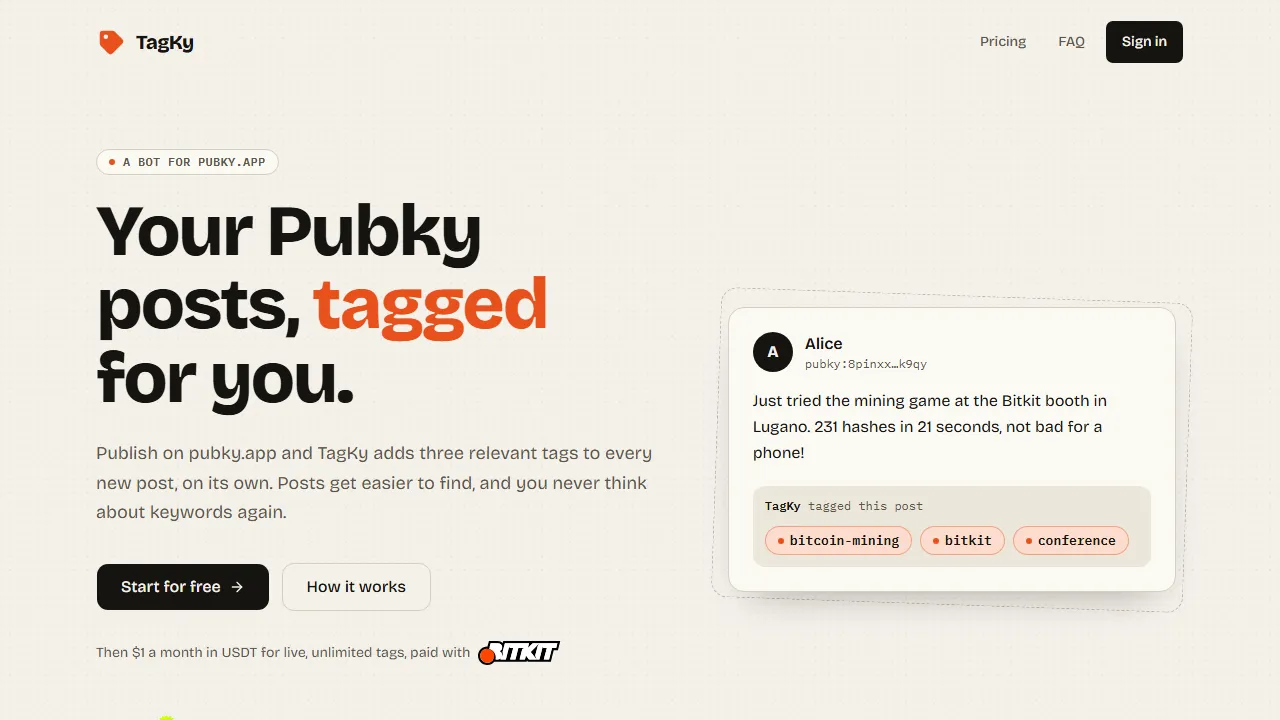
TagKy🤖🏷️ is live. It is a bot for pubky.app: you publish as usual, and every new post gets three relevant tags, on its own. Your posts become easier to find, and you never have to think about keywords again.
How it works
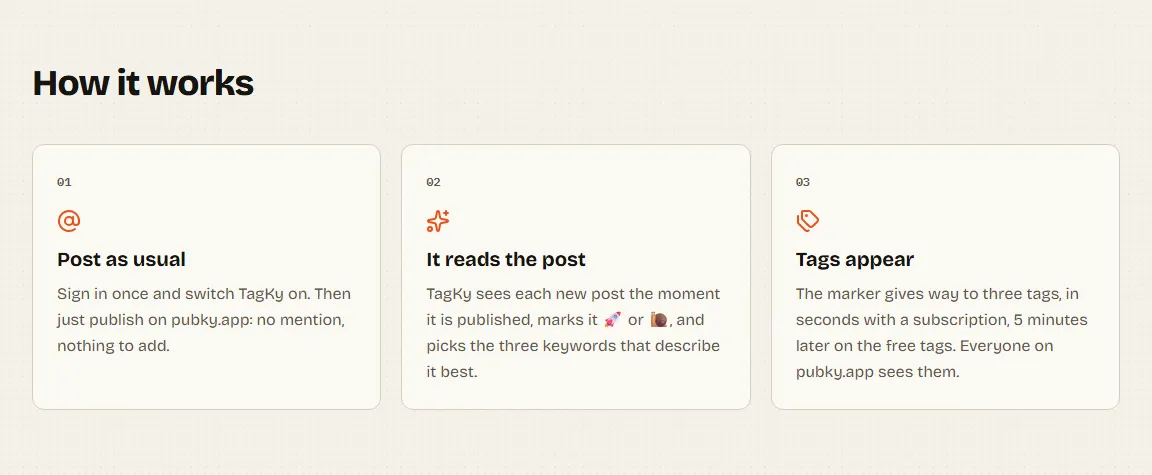
- You post as usual. Sign in once and switch TagKy🤖🏷️ on. After that there is nothing to add to your posts: no mention, no hashtag.
- TagKy🤖🏷️ reads the post. It sees each new post the moment it is published, puts a marker on it (
tagky-🚀ortagky-🐌) and picks the three keywords that describe it best. - The tags appear. The marker gives way to three tags. Everyone on pubky.app sees them.
What you need
- A Pubky identity in Pubky Ring, the app that holds your key.
- pubky.app, to publish.
- Only if you want the paid plan: Bitkit, opened with the same Pubky, with Paykit enabled.
Tutorial: from zero to your first tagged post
1. Sign in with Pubky Ring
Open tagky.pubky.pastalabs.dev and click Start for free. The sign-in page shows a QR code:
- scan it with Pubky Ring, or tap Open on this phone if you are already on your phone;
- approve the sign-in in Pubky Ring. The page continues on its own.
There is no account to create and no password. TagKy🤖🏷️ only learns your public key: it never asks for your private key or for any permission on your data.
2. Turn on the free plan
On your account page, click Activate the free plan. That's it: from now on your new posts are tagged.
The free plan gives you 50 tags every month (about 16 posts, at three tags each). They come back on the 1st of each month, and the tags appear 5 minutes after you post. Meanwhile, tagky-🐌 shows on the post so you know it has been seen.
3. Publish on pubky.app
Write a post on pubky.app, exactly as you always do. A few minutes later, open it again: the tagky-🐌 marker is gone and three tags are there.
4. Tag someone else's post
You can also tag a post that is not yours: reply to it on pubky.app and mention TagKy🤖🏷️. The post you replied to gets three tags, counted on your own plan.
5. Go live (optional)
When you like it, switch to the live plan from your account page with Pay 1 USDT with Bitkit:
- a 1 USDT payment request arrives in Bitkit, through Paykit;
- you approve it in one tap. No card, no bank details.
From then on, every new post is tagged within seconds, with no limit, and tagky-🚀 shows only for the few seconds it takes.
Nothing is paid automatically. Three days before your month ends, the next 1 USDT request arrives in Bitkit; if you do not approve it, you simply go back to the free plan. There is no commitment.
Free or live?
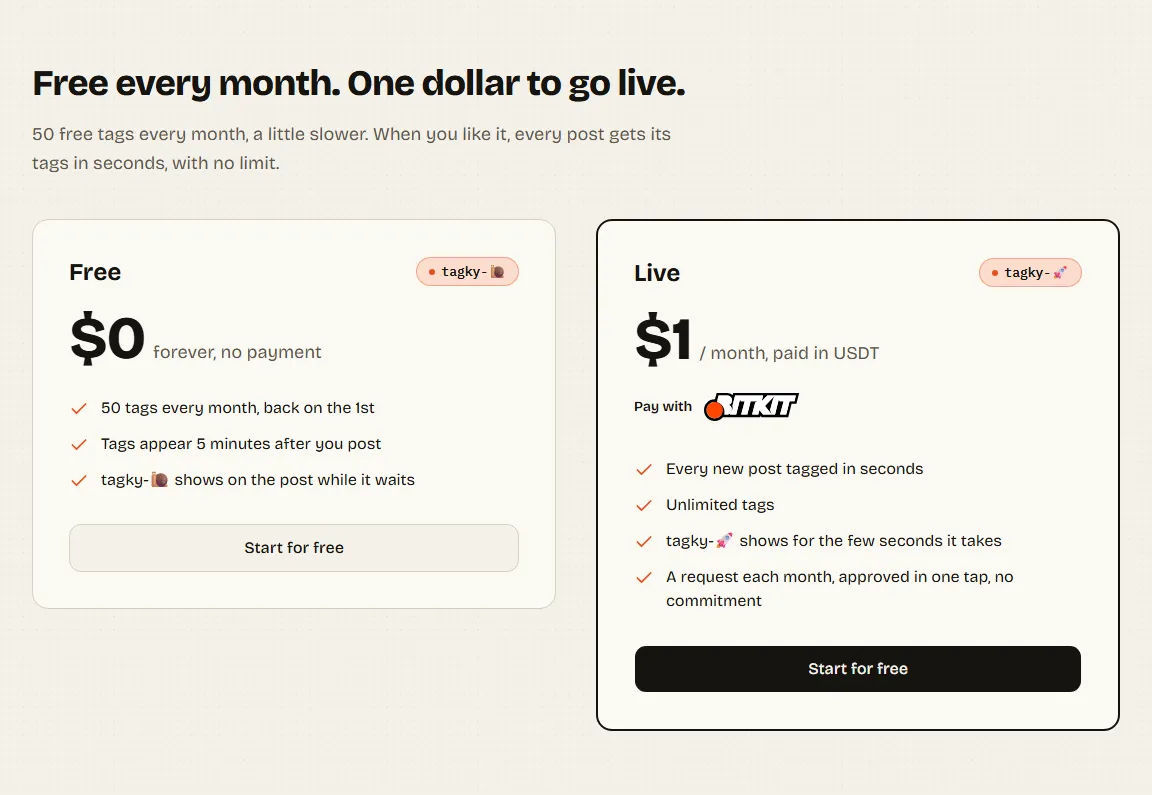
| Free | Live | |
|---|---|---|
| Price | $0, no payment | 1 USDT a month |
| Tags | 50 a month | unlimited |
| When | 5 minutes after you post | within seconds |
| Marker | tagky-🐌 |
tagky-🚀 |
Built on Pubky
TagKy🤖🏷️ is built on Pubky, an open social web where your identity is a key you own rather than an account on someone's server, and on Paykit and Bitkit for payments. It only tags public Pubky posts.
Questions or a problem? The support page is the place.